Build and speak a message
Choose words from clear boards and folders. Each selection can be spoken immediately and added to the message bar for a complete thought.

SPARK combines familiar communication boards with flexible editing, private prediction, and settings that adapt to the person using it.
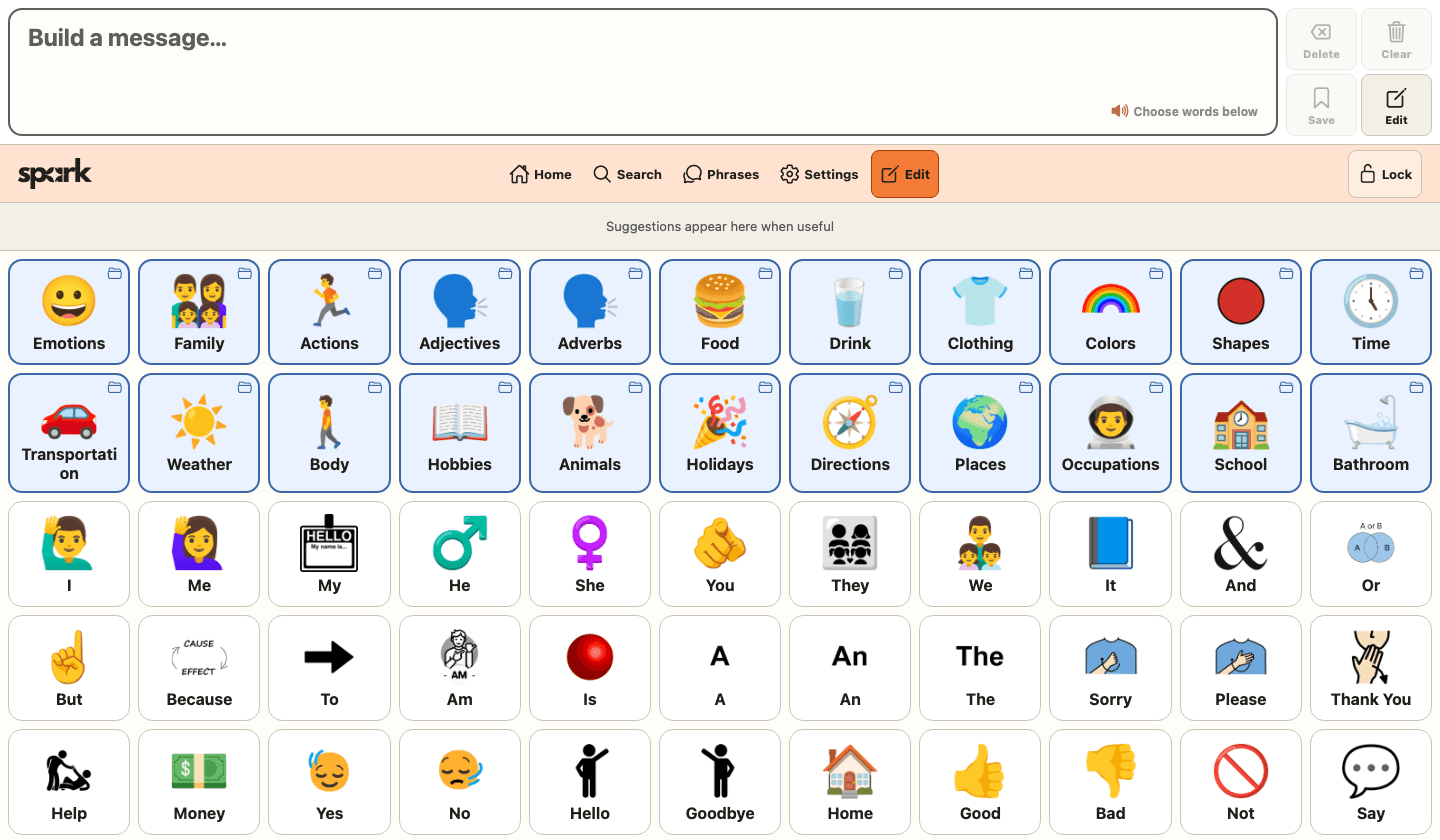
Choose words from clear boards and folders. Each selection can be spoken immediately and added to the message bar for a complete thought.
Search across built-in and custom vocabulary, save useful phrases, and quickly return to recently spoken messages.
Add or edit words, phrases, folders, images, emoji, colors, pronunciations, and recordings. Drag items into a familiar order or move them between boards.
Adjust the device voice, speed, pitch, text size, columns, symbols, touch delay, automatic navigation, and word prediction from Settings.
Explore the current interface—not a mockup or planned design.
Folders and everyday words remain visible in a consistent grid, with the message and main actions always at the top.
Open the web app now. No account or setup is required to explore the included boards.